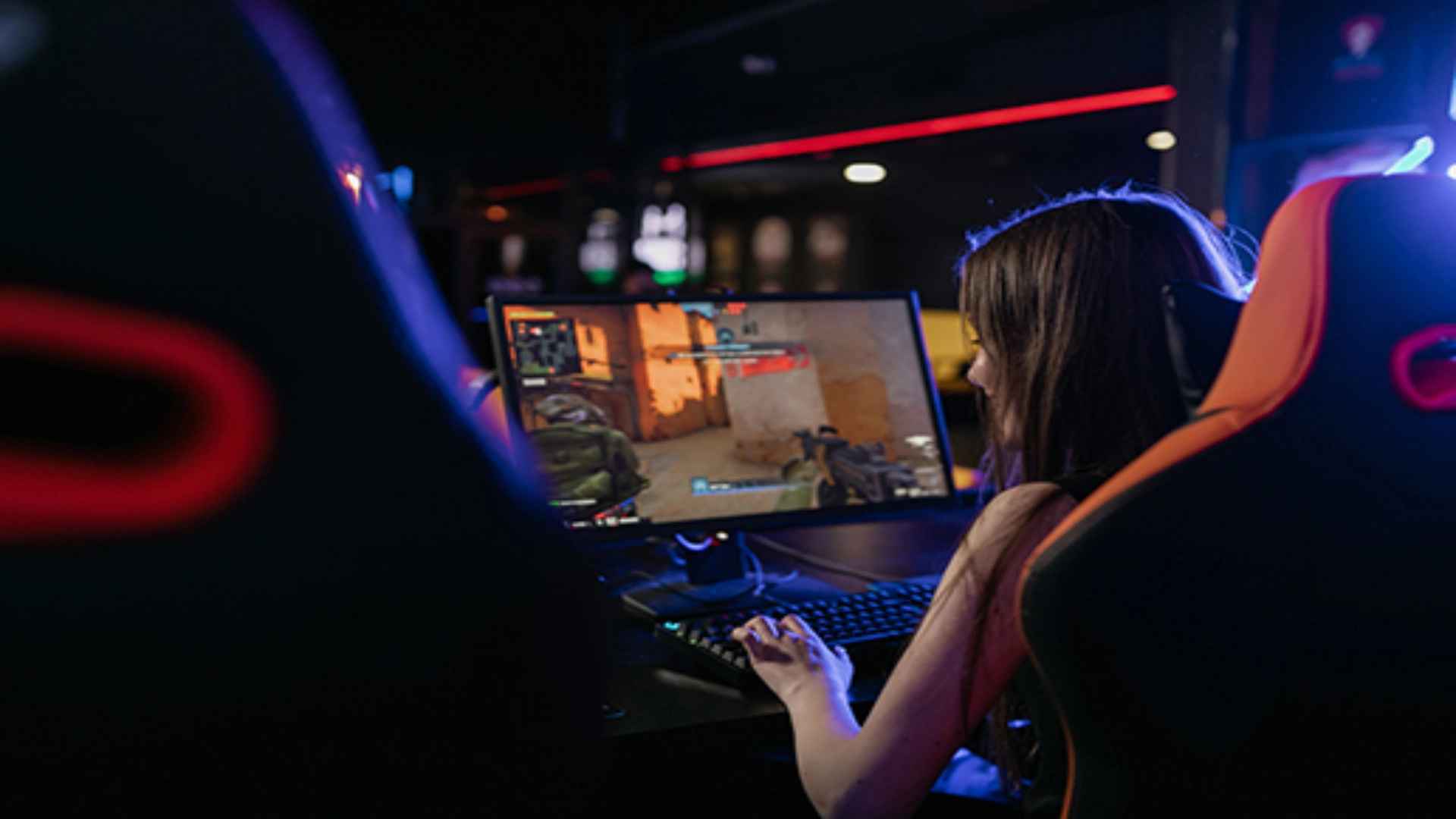
Surviving the harsh, zombie-infested landscapes of Undead Labs' post-apocalyptic sandbox becomes a much more manageable task when you bring teammates into the fold. The game features full cooperative integration that enables up to four players to build bases, gather rare resources, and clear out dangerous blood plague hearts as a unified squad. Understanding the underlying host dynamics and menu setups is essential for establishing a seamless online connection with your community partners.
Enabling Multiplayer Settings in the Main Menu
Before you can invite external players into your active world, you must ensure that your session permissions are properly configured to allow incoming network traffic. Navigating to the settings tab within the options window reveals the toggle switch required to shift your community from an offline environment into an invite-only or friends-only lobby. Activating this parameter changes your connection status instantly, ensuring that your friends can see your online presence from their respective platform dashboards.
It is important to remember that the game supports cross-platform functionality across all major PC environments and console families, expanding your potential pool of recruitment partners. Ensuring your account links are properly authenticated removes any potential communication blockades before you attempt to dispatch direct game invites. Once these structural preferences are locked in, your community immediately becomes accessible to your trusted gaming contacts.
Inviting Allies to Your Post-Apocalyptic Community
With your session fully open to network connections, you can open the standard in-game pause menu to access the multiplayer management screen. Selecting an empty guest slot prompts your system overlay to display your active friends list, enabling you to send direct session invitations with a single button press. Your friends will receive a standard platform notification that allows them to load their preferred survivor directly into your active campaign world.
Alternatively, guest players can utilize the radio command console to send out an automated volunteer beacon searching for available multiplayer sessions. The matchmaking system frequently groups active community leaders with these wandering helpers to quickly address overwhelming zombie threats. This fluid connection pipeline makes it remarkably simple to join forces without navigating cumbersome external lobby tools.
Understanding Guest Loot and Progression Dynamics
When entering another player's community as a helpful guest, your personal roster of survivors remains completely intact along with their individual skill sets and mechanical injuries. Guests scavenge inside separate, color-coded containers scattered throughout the host's map to prevent accidental resource theft and maintain fair progression tracking. Any equipment, firearms, or facility rucksacks secured during these collaborative scavenging runs will safely transfer back to your home base storage banks.
However, visitors must carefully manage their active character's fatigue levels because extended combat tours will lower maximum stamina bars over time. Utilizing the host's specialized base facilities or interacting with the primary storage locker allows you to rotate exhausted characters without abandoning the active multiplayer session. This balanced structural framework ensures that assisting an ally yields massive dividends for your own community's long-term survival plans.